As an Amazon Associate, we earn from qualifying purchases. Some links on this site are affiliate links at no extra cost to you. Our recommendations are based on thorough research and editorial judgment.
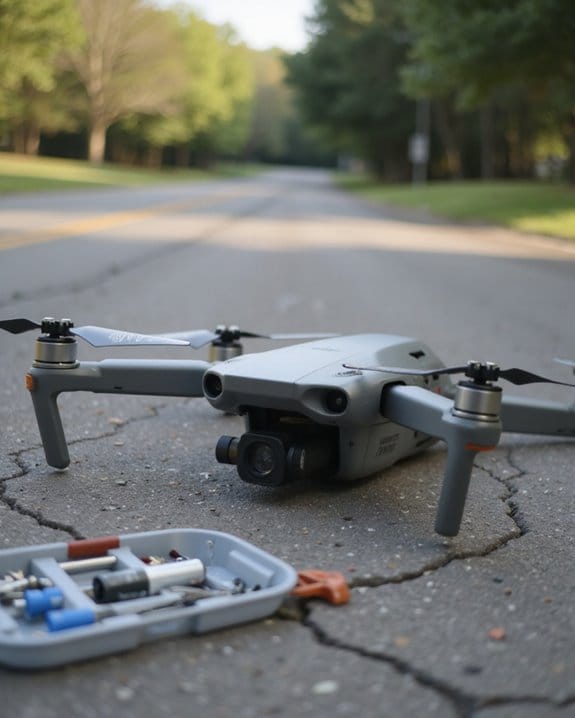
Why Do Drones Fail? Common Causes and How to Prevent Them

Drones most often fail due to pilot mistakes, weak batteries, lost signals, harsh weather, or skipped maintenance. If you want smooth flights, practice on simulators to build confidence, charge and check batteries before every launch, and scout locations for signal blockers like tall buildings or power lines. Run pre-flight checks—propellers, wiring, settings—just like a pilot reviewing a cockpit. Steer clear of protected wildlife zones and busy skies. Want practical steps and real-world scenarios? Here’s what you’ll need next.
Key Takeaways
- Pilot error, such as misjudging distance or losing orientation, is a top cause of drone crashes and can be reduced by simulator practice and situational awareness.
- Battery failure from poor charging habits or aging batteries leads to sudden power loss; always land with at least 30% battery remaining.
- Signal interference from electronics or urban structures disrupts control and GPS; update firmware and scan for stable signals before takeoff.
- Environmental factors like wind, rain, and magnetic interference increase crash risk; always check weather and avoid flights near power lines or tall buildings.
- Skipping regular maintenance, such as propeller and frame checks, can cause in-flight failures; follow a strict inspection and maintenance schedule.
Pilot Error
You may be interested


When it comes to drone crashes, pilot error tops the list—think of it as the Achilles’ heel of even the most advanced UAVs. As a drone pilot, your skill and attention are essential; even minor misjudgments can lead to costly accidents. Inexperienced pilots are especially at risk, often misjudging distances or losing orientation in tricky environments. But don’t think seasoned drone pilots are immune—windy days or tight spaces can trip up anyone.
To mitigate pilot error, follow these key steps:
- Practice with simulators before real flights
- Seek guidance from experienced drone pilots
- Complete pre-flight checks
- Adhere to FAA Part 107 regulations
Ultimately, prioritizing training, preparation, and situational awareness reduces the likelihood of unintended “landing gear tests” in the field. Maintaining FAA Remote Pilot certification ensures that pilots meet professional standards and are better prepared to handle complex aerial missions safely.
Battery Failure
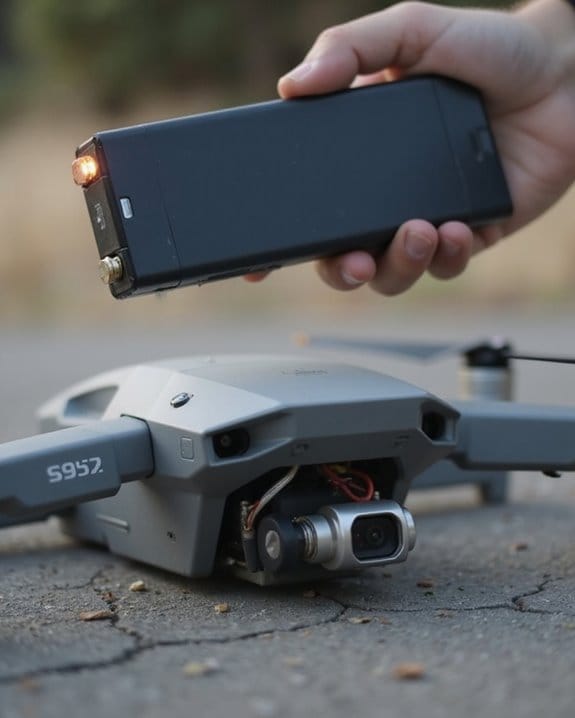
Battery management is the silent backbone of reliable drone flight—overlook it, and you risk your UAV taking a sudden nosedive. The battery is one of the most common causes of crashes, often due to poor charging habits or neglecting battery life during flight. If you launch without a full charge, you’re gambling with your drone’s airtime. Ignoring battery levels mid-flight can lead to sudden power loss and unplanned landings—or worse, a freefall.
Key Battery Failure Risks:
- Faulty or aging batteries: Unreliable power, unexpected shutdowns.
- Poor charging discipline: Reduced capacity, shortened lifespan.
- Overconfidence in failsafe modes: Return to home (RTH) at 10% isn’t always a safe bet; low power may mean weak thrust and tricky returns.
Recommendation: Always land with at least 30% battery. Using batteries with built-in overcharge protection can help prevent critical failures during charging.
Recommended Products

Replacement Battery: Engineered exclusively for the K600GPS drone, this modular power source guarantees a perfect fit and consistent, reliable performance as a genuine spare.

Battery connector:MX2.0 Plug,or called molex plug. Voltage:3.7V 1S, Capacity, 500mAh, Discharge rate: 25C, Dimensions:38*20*8mm / 1.45*0.79*0.31inch. Net weight: 11grams/0.39oz.
Signal Interference
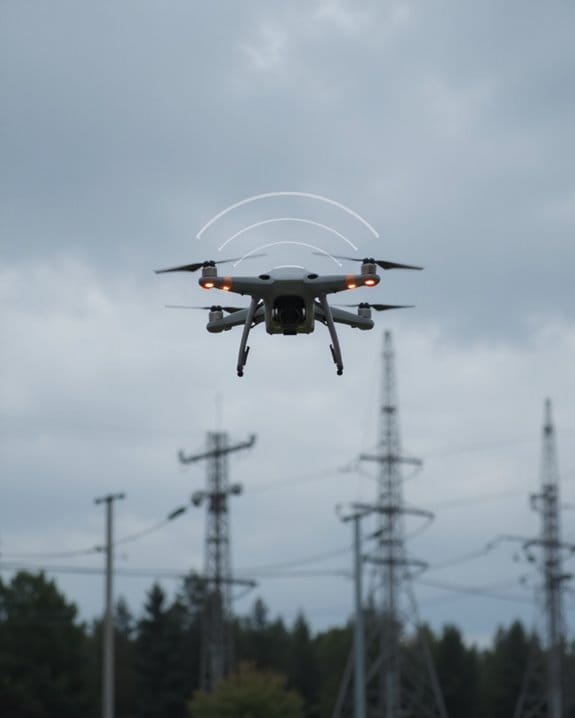
Ever wondered why your drone suddenly stops responding, even though everything seemed fine moments before? Signal interference is a leading cause of drone crashes, often disrupting the connection between your controller and the drone or scrambling the GPS signal. This is especially risky in urban settings, where wireless signals are everywhere—sometimes your drone just can’t handle the competition.
Key Causes of Signal Interference:
- Overlapping frequencies from nearby electronics
- Tall buildings or dense trees blocking signals
- Weak or unstable video downlink
If you notice a loss of signal, don’t gamble—land immediately to avoid drone crashing. For best results:
- Scan for stable GPS signal before takeoff
- Avoid flying near high-interference zones
- Regularly update your drone’s firmware
Sometimes, the best way to avoid a crash is simply staying connected. Using a device that targets the 2.4GHz and 5.8GHz bands can help mitigate interference by disrupting unwanted signals in those frequency ranges.
Recommended Products

Skyreat Yagi 5.8Ghz Antenna Design for dji neo /DJI Mini 5 pro / DJI mini 4k ,MINI 2 / Mini 2 se,Mini 3 and Mavic Air 2 / Mavic 3 fly more combo Drone Only. It can increase the distance by about 30% -50%.

✔Specially designed for DJI RC Mini3/Mini3 Pro(Note:Does not include the remote control.)

📺𝗕𝗲𝗳𝗼𝗿𝗲 𝐘𝐨𝐮 𝗕𝘂𝘆𝗶𝗻𝗴: Please check the signal strength in your area: If a lot of green channels available, you DO NOT need using antenna booster; If a lot of yellow or orange channels available, suggest adding a tv signal amplifier to boost signal
Environmental Factors
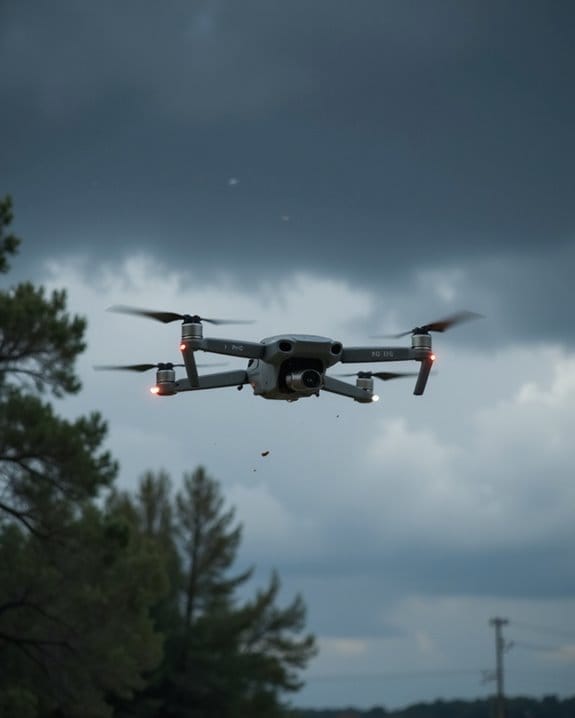
Staying connected is only half the battle—nature itself can throw your drone off course just as easily as signal interference can. Wind is a common cause of drone accidents, as it easily shifts your craft off its intended path. Rain, snow, and fog don’t just reduce your visibility; they can short electronics and make it dangerous to fly at night. Always check the weather before takeoff.
Key Environmental Factors:
- Wind: Alters flight paths and complicates control.
- Precipitation: Damages sensitive electronics.
- Indoor Flights: Weak GPS means increased drift.
- Magnetic Interference: Power lines or towers disrupt compass readings—avoid them.
If you’re flying indoors or at night, set a reliable home point and be ready for reduced sensor accuracy. Smart pilots prepare for surprises—don’t let nature outsmart you!
Maintenance Issues
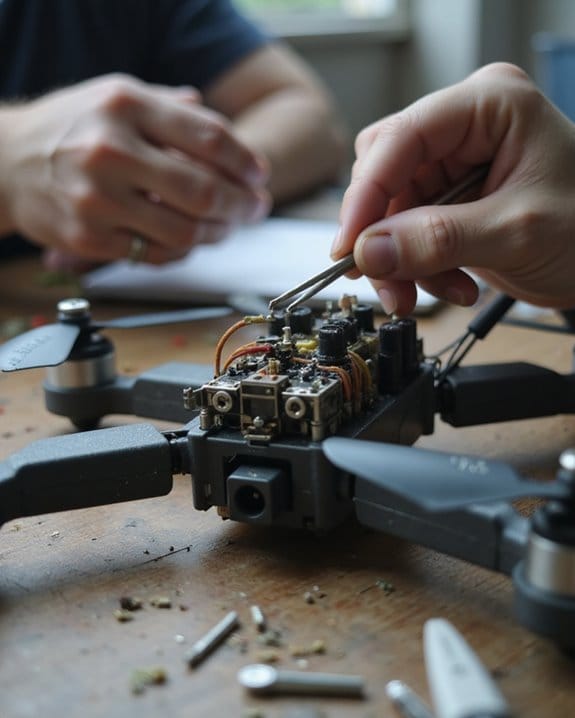
Even the most advanced drones can’t compensate for neglect—maintenance is where reliability takes flight. Skipping regular checks is a leading cause of crashes, so make sure you’ve got a solid maintenance schedule. Here’s what you should inspect before every flight in order to prevent disaster:
- Propellers: Examine for looseness, cracks, or bends. Damaged blades can’t generate enough thrust, risking a crash before your battery to return even kicks in.
- Frame: Look for cracks or defects. Structural weaknesses may cause mid-air breakups.
- Wiring and Plugs: Confirm all connections are tight. Loose wires can lead to sudden power loss, resulting in a loss of control.
A systematic approach keeps your drone airborne and out of the repair shop.
Recommended Products

Universal Fit for Listed Models,Designed for 58mm/2.28In propellers and compatible with drone models S162、S116、S112、XK5、SG108、L108、S3、S9、M7、RG101、A13、S1S、K918、E88max、E88pro、E25、K911、S115、S115pro、S119、A17、S132、F167、X28、X26、AE19、E77 Air、E55、F156、F198、F200.
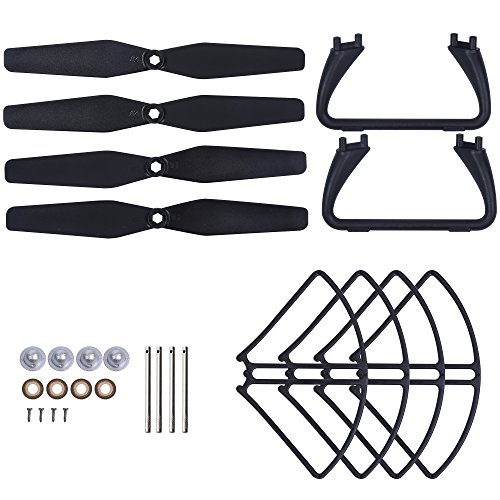
Holy Stone HS110D Black, HS200D Black and HS200D Red RC Drone Quadcopter Spare Parts Crash Pack (4 Black Blades + 4 Propeller Guards + 2 Landing Gears + 4 Blades Screws + 4 Blades Caps + 4 Blades Shafts + 4 Blades Shims )

Compatible with Z908 Pro quadcopter.
Orientation and Flight Maneuvers
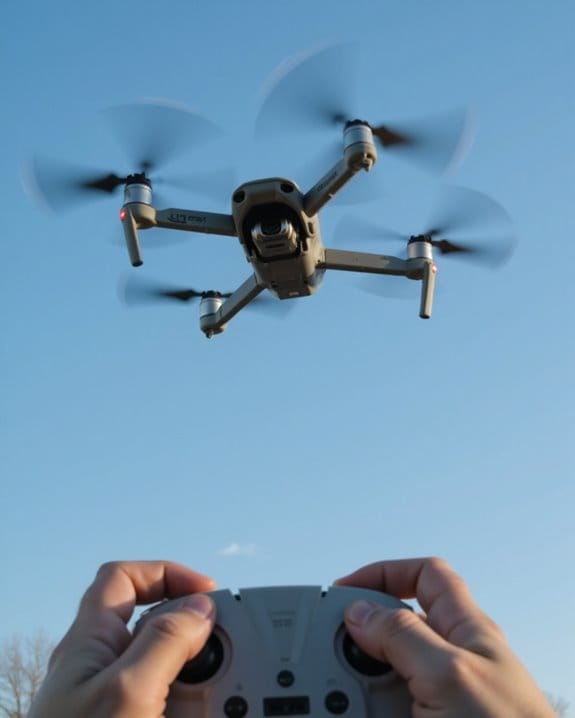
How do you keep your drone pointed in the right direction when the sky’s the limit? To confidently fly your drone, you need a solid grasp of orientation—especially during maneuvers like flying backwards or sharp turns. If you operate a drone such as the DJI Phantom, familiarize yourself with its directional indicators before attempting advanced moves.
Product Overview: DJI Phantom Orientation Features
- Omnidirectional collision avoidance
- Gyroscopic stabilization
- Assisted flight modes
Practical Guidance:
- Always practice in open, obstacle-free spaces.
- Begin with basic orientation exercises; gradually increase maneuver complexity.
- Use the drone’s stabilization and avoidance systems to enhance safety.
Recommendations:
- Beginners: Stick to simple maneuvers until comfortable.
- Advanced users: Leverage all available features for complex flights.
Using Drones skillfully isn’t just about altitude—it’s about knowing which way is up.
Technical Malfunctions
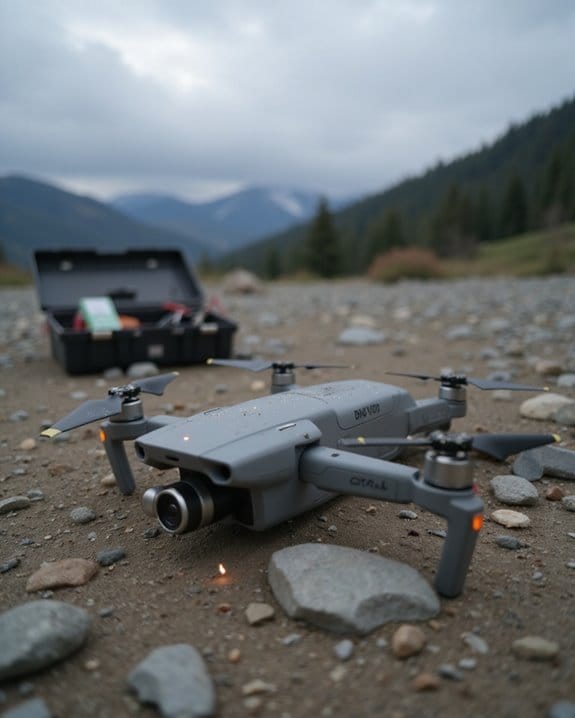
Technical malfunctions—those unwelcome surprises—are a leading cause of drone failures, often striking when you least expect them. The majority of drone incidents stem from issues like faulty propulsion systems—think damaged or poorly installed propellers. Navigation errors, often due to compass calibration failures, can send your drone off course, even if you’re just trying to head home. Power failures, usually from tired or poorly maintained batteries, are notorious for cutting flights short. Don’t forget about video transmission problems or software glitches; either can disrupt flight and compromise national security if not addressed promptly.
Key points to note:
- Regularly update firmware (per Federal Aviation Administration guidelines)
- Calibrate compass after traveling over 50km
- Inspect and charge batteries before flight
- Secure video cables tightly
Stay vigilant—technical awareness keeps your drone flying safe.
Recommended Products
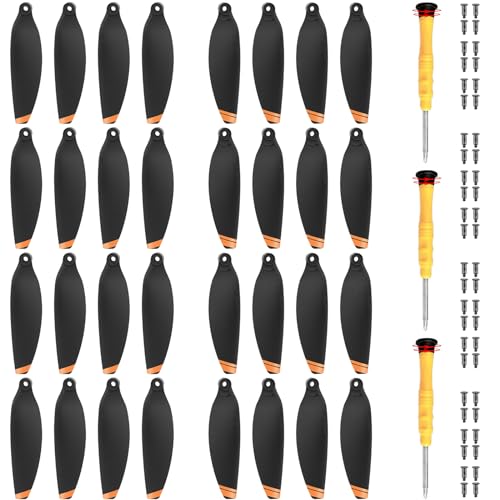
✅COMPATIBILITY - That this propellers are only compatible with DJI Mini 4K/ Mini 2/ Mini SE and Mini 2 SE Drone. please note that they are not OEM Blades

Length: 55mm / 2 inch; Shaft Diameter: 1mm
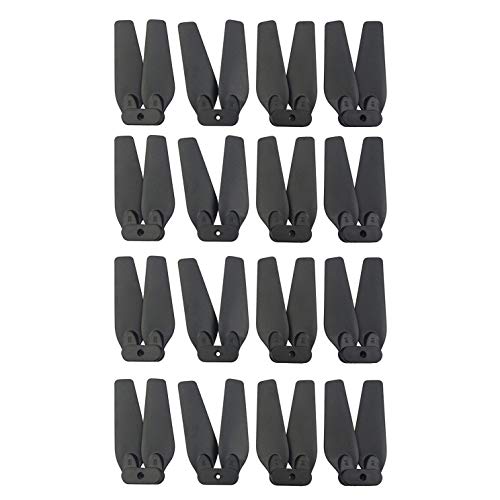
For E58 E88 S168 JY019 folding quadcopter spare blade parts drone.
Regulatory Violations
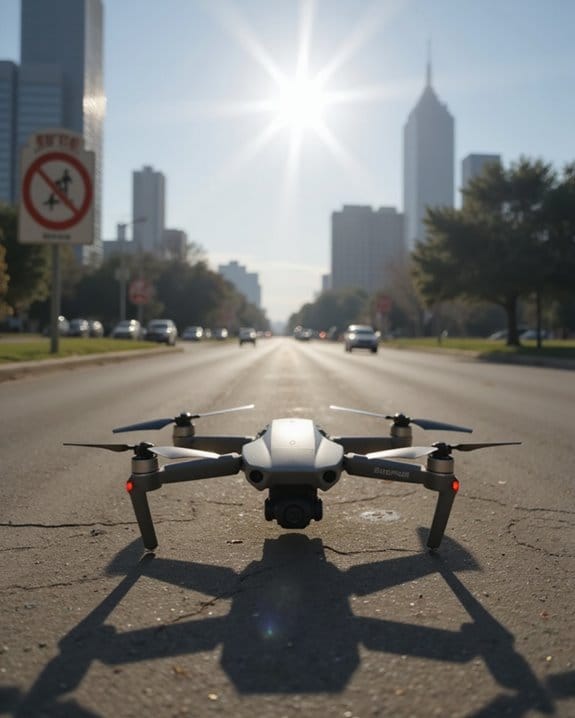
Although a drone’s technology might be flawless, regulatory violations can bring your flight—and sometimes your wallet—to a sudden halt. As a new pilot, you need to know that flying drones isn’t just about mastering controls; it’s about following the rules. Due to the high number of incidents, the FAA enforces strict regulations:
- Certification: Commercial flights without Part 107 certification can result in hefty fines.
- Airspace: Restricted zones, like National Parks, are off-limits—Yellowstone’s $3,200 penalty is a cautionary tale.
- Altitude: Flights above 400 feet AGL aren’t just risky—they’re illegal.
- Night Operations: Don’t fly at night without a waiver.
- BVLOS: Always keep your drone in sight.
Collision With Obstacles
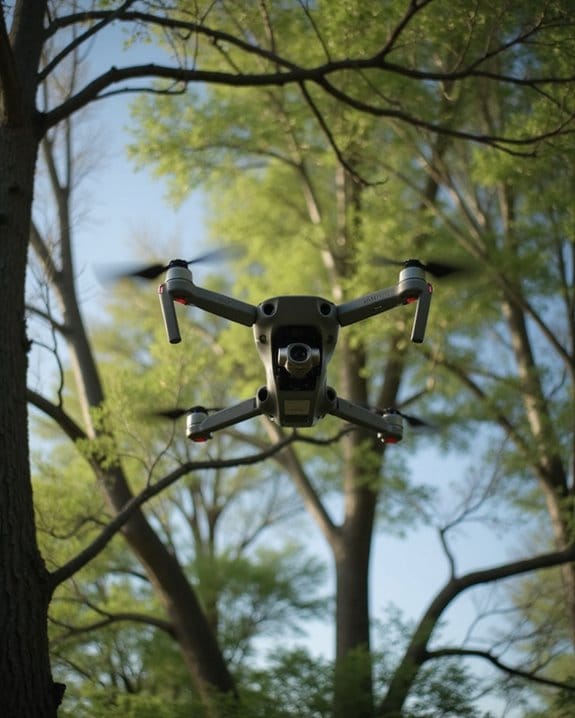
Even if you’re following every rule in the book, obstacles can turn a smooth flight into a costly mistake. Whether you’re testing a new drone or flying one you bought last year, everything you need to avoid disaster starts with knowing your environment. Let’s break down the main hazards:
- Moving Vehicles: Like the practice run in Brazil where a drone collided with a motorcycle, always scan for traffic before takeoff.
- Urban Structures: Tall buildings in places like Times Square can block signals and increase crash risks.
- Environmental Obstacles: Flying over protected areas (think Yellowstone) isn’t just risky—it’s illegal.
- Wildlife: Drones have lost aerial duels with eagles.
- Other UAVs: Crowded airspace during drone races ups collision chances.
Bottom line: Stay alert, plan ahead, and respect your surroundings.
Recommended Products

Smart Obstacle Avoidance for Safer Indoor Play: SYMA X100 is an indoor drone for kids with 4-way infrared sensors that detect obstacles within about 12 in and help auto-avoid for fewer bumps into walls or furniture. Guide it with your hand to create a fun “air-pass” family game, making this beginner drone more exciting for kids and more reassuring for parents.

Cinematic 4K/60fps HDR Video & 48 MP Photos: Captures smooth 4K/60FPS HDR video and detailed 48MP photos with a 1/1.32" CMOS sensor and f/1.7 aperture, The drone with camera for adults delivers clearer, more vibrant footage for travel, hiking, family activities, outdoor adventures, and everyday aerial photography

Application: Widely used in robot obstacle avoidance, obstacle avoidance vehicles, line counting, and black and white line tracking.
Frequently Asked Questions
What Is the Most Common Cause of Drone Accidents?
Imagine you’re a captain steering a ship through fog; your choices decide your fate. With drones, it’s the same—pilot error is the main culprit. If you’re not careful, misjudgments or distraction can easily lead to disaster.
How to Prevent a Drone Crash?
To prevent a drone crash, always inspect your equipment, fly within legal limits, and avoid obstacles and crowds. Practice in safe areas, keep batteries charged, and land early. You’ll reduce risks and enjoy safer, more reliable flights.
What Problems Do Drones Cause?
Imagine a swarm of bees buzzing where they shouldn’t—you’ll find drones can cause injuries, disturb wildlife, annoy people, damage property, and harm the environment. If you’re careless, you’re inviting trouble, fines, or even legal action.
What Causes a Drone to Fall Out of the Sky?
You might see your drone fall if you misjudge distances, lose orientation, or fly with a weak battery. Signal interference, bad weather, and damaged parts can also cause sudden crashes, so always check conditions and equipment before flying.